
TL;DR
- Pick a workforce planning model that matches your goals, team size, and growth plans.
- Use data to understand future skills and hiring needs.
- Compare different workforce planning models before choosing one.
- Add AI tools to improve accuracy and decision-making.
- Keep reviewing your plan as your business changes.
Many companies struggle to hire the right people at the right time because they lack a clear workforce planning model to guide their decisions. Teams grow without a plan, budgets stretch thin, and leaders react to problems instead of staying ahead of them.
The good news is that choosing a workforce planning model does not have to feel complex. When you know the purpose of each model and what it helps you solve, you can find the one that fits your goals and start shaping a stronger team.
What Is a Workforce Planning Model?
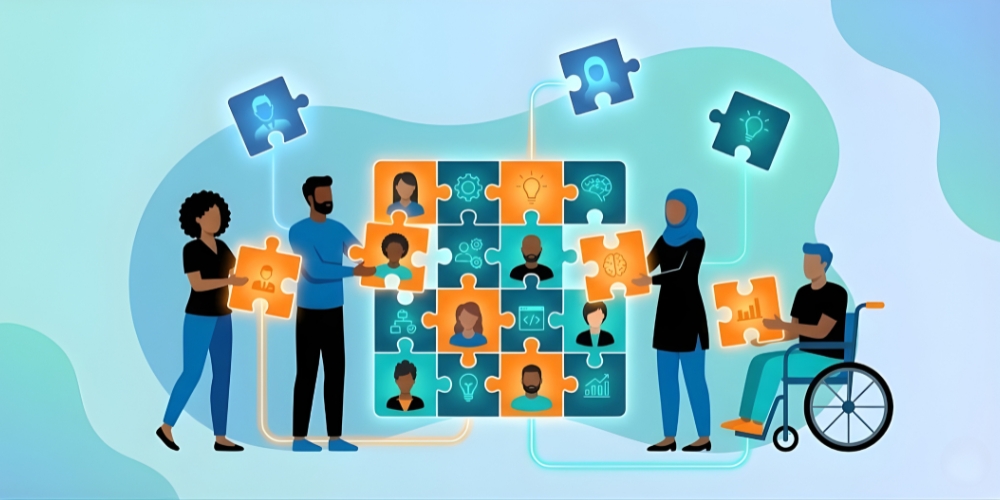
A workforce planning model is a simple structure that helps you understand who you have today and who you will need tomorrow. It explains how skills, roles, and talent decisions connect to business results. In other words, it gives you a clear picture so you can plan hiring, training, and budgeting steadily.
This model also sits within a larger workforce planning framework that many HR teams use to answer questions such as what is workforce planning in human resource management and how skills will change as the company grows.
Why Choosing the Right Model Matters
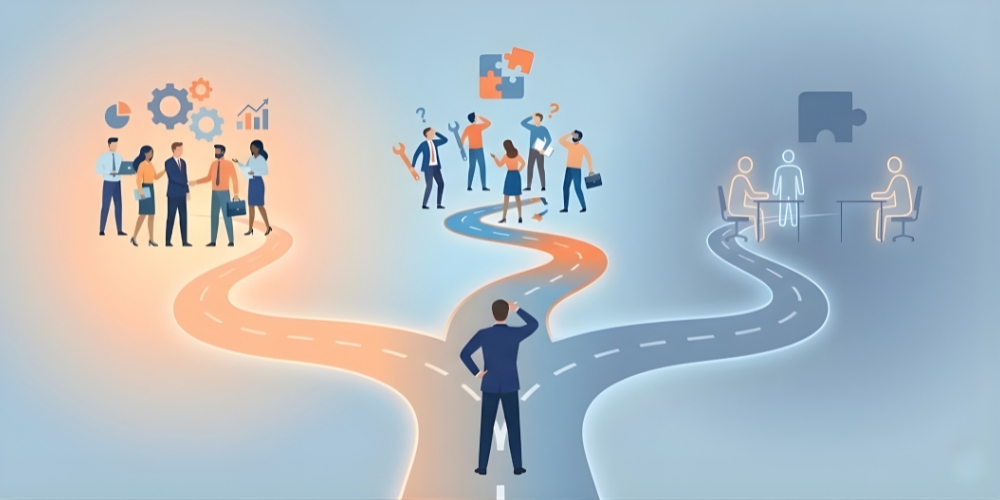
Choosing the right workforce planning model shapes how well your team grows and adapts. When the model fits your business needs, it becomes easier to spot skill gaps early, plan hiring with more confidence, and avoid sudden talent shortages that slow work down.
A clear model also helps leaders connect roles, skills, and budgets to long-term goals. It supports smoother decision-making, stronger teams, and fewer surprises as the business changes. The right workforce model becomes a practical guide that keeps your company steady and ready for future growth.
The 5 Most Common Workforce Planning Models
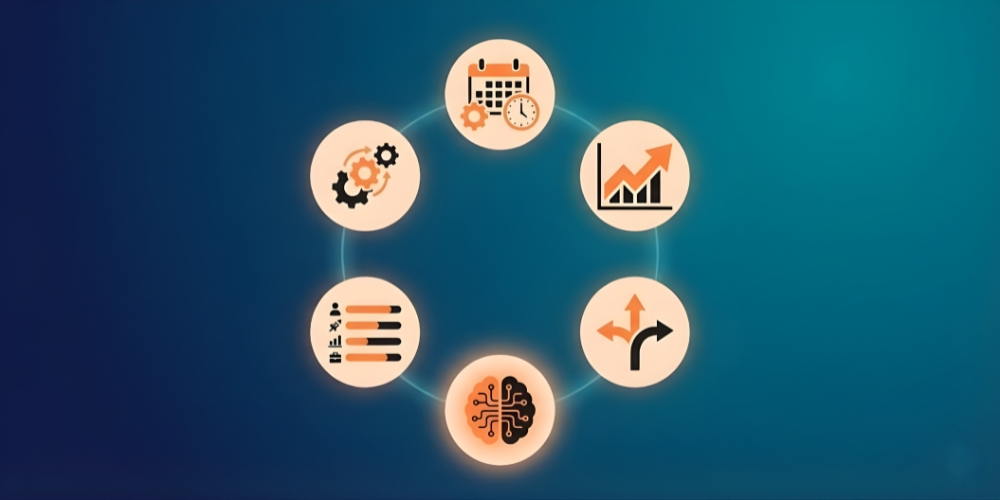
Below are the models most companies use before they build a full strategic workforce plan sample.
The Operational Workforce Planning Model
This model focuses on daily staffing needs. It helps you understand the number of people required to complete regular tasks and is often used to build a simple staffing model example. Teams with steady workloads, such as retail or customer support, use this model because skill needs change little.
The Strategic Workforce Planning Model
This model looks at long-term skill needs, growth targets, and future roles. When businesses want to improve their talent development and workforce planning, they rely on this approach. It is helpful for fast-growing companies that need to plan leadership roles, new teams, and future capabilities.
This model also helps teams understand the distinction between workforce planning and talent management, enabling leaders to make better decisions as the company expands.
The Scenario-Based Workforce Planning Model
This model helps teams prepare for different possible futures. It lays out a few clear paths so leaders can see what might happen if the market rises or falls. When sales pick up, you may find yourself adding more people to operations. When growth eases, your focus might move toward building skills inside the team. Many companies pair this approach with workforce planning and analytics so they can study a few outcomes before deciding what to do next.
The Skills-Based Workforce Planning Model
This model focuses on skills instead of job titles. Companies choose it when roles change quickly. It supports workforce modelling and helps identify critical skills that must be built or hired in the following year. It also supports modern workforce development models and explains how teams should grow skills over time.
The AI-Assisted Workforce Planning Model
This model uses innovative tools to read patterns in your talent data. Many teams use AI to predict turnover, understand training needs, and study workforce management vs workforce planning. It is useful when a business wants clear insights fast and does not want to rely only on manual forecasting.
AI adoption in HR is rising fast. A 2025 SHRM Talent Trends report finds that 43 percent of organizations now use AI in HR tasks, up from 26 percent in 2024, which shows how quickly leaders are weaving AI into everyday HR work.
How to Choose the Right Workforce Planning Model
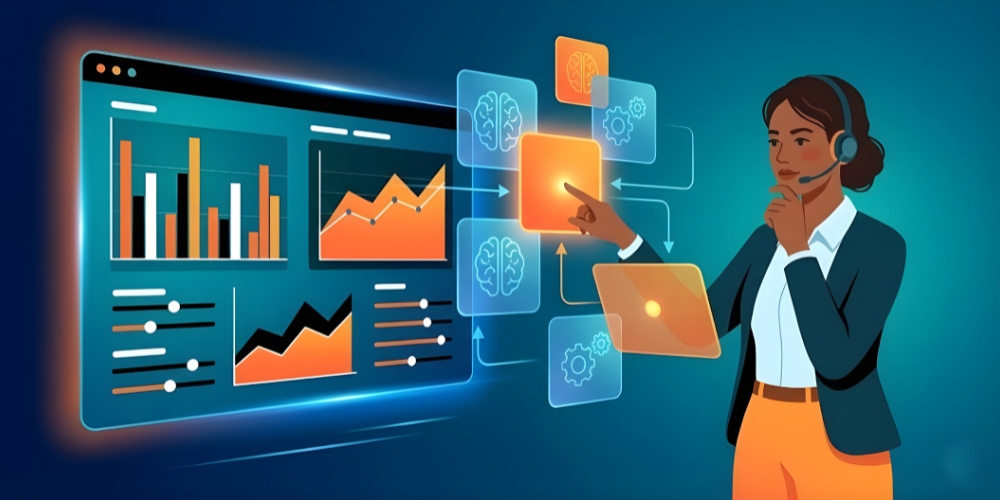
Choosing the right workforce planning model depends on your goals, your company’s growth pace, and the predictability of your work environment. Start by reviewing your current team structure, skill gaps, and hiring patterns. This gives you a basic picture of where you stand today.
Next, match your needs with a clear planning model. If your workload is stable, the operational model may be enough. If you are growing fast, the strategy-based model works better because it connects hiring to long-term business plans. This is where strategic workforce planning is helpful, as it aligns roles, skills, and budgeting with future goals.
You should also consider flexibility. Companies that deal with changing markets benefit more from scenario-based models, while those building new skills rely on skills-based models. If you want to focus on improving training and career paths, look for a model that supports models of workforce development so the team can grow steadily.
Finally, check your data readiness. If you have robust reporting tools, you can leverage deeper insights to support workforce planning. If not, start small and grow your system over time. The goal is to select a model you can use consistently rather than something too complex to maintain.
How AI Enhances Workforce Planning Models
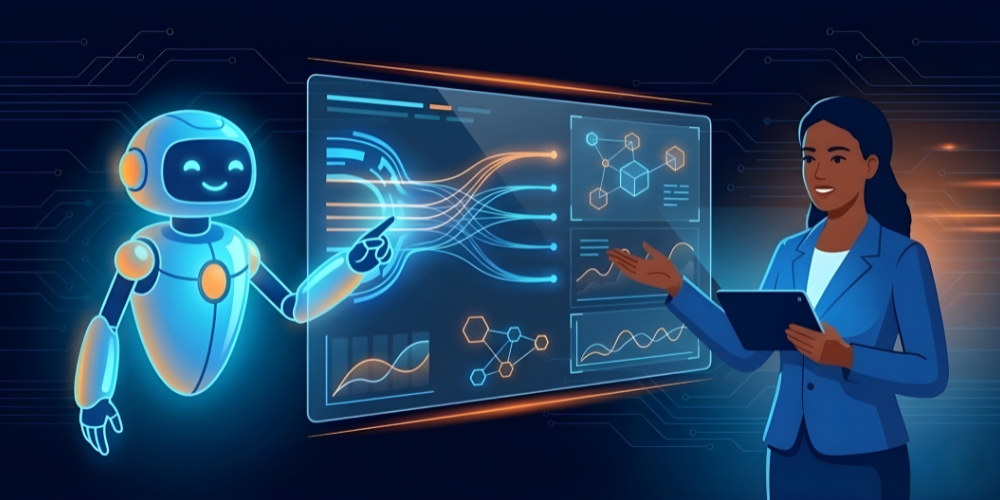
AI improves planning accuracy by reading patterns that humans may not see. It studies turnover, hiring speed, skill levels, and performance so leaders can choose smarter actions. This helps companies understand the link between workforce management vs. workforce planning and how each one supports daily and long-term decisions.
AI tools also support talent management and workforce planning by showing which roles may face shortages soon. They help HR teams decide whether to hire, train, or shift people into new positions.
AI forecasting helps companies build a stronger workforce management model by highlighting future needs early. It also supports workforce planning and analytics so teams can compare different future outcomes and pick the safest path. These insights are beneficial for leaders who want to understand how to manage talent development and workforce planning without relying only on guesswork.
AI systems also speed up reporting, enabling companies to adjust their workforce models as business conditions change. This keeps the planning system flexible and ready for new challenges.
Conclusion
A strong workforce planning model helps any company prepare for the future with confidence. Once you understand your business needs, skill gaps, and growth plans, it becomes easier to choose a model that guides more innovative hiring, training, and budgeting. With the proper structure in place, you reduce surprises and strengthen your team steadily and practically.
Adding AI tools makes the process even better. They improve forecasting, reduce errors, and give leaders clearer insights so they can make faster and more reliable decisions. When you combine structured planning with modern tools, your workforce grows in a way that supports long-term business success.