
TL;DR
- Helps teams work better on the move.
- Gives HR and operations one place to track people, tasks, and updates.
- Uses mobile apps, scheduling tools, and automation to cut delays.
- AI adds innovative suggestions and faster decision support.
Teams that work in the field face a simple but serious problem. They move fast, but their systems do not. Paper checklists, slow updates, late reports, and scattered tools make it hard to stay on track. This slows down work, leads to mistakes, and leaves HR and operations with limited visibility into daily tasks. That is where mobile workforce automation steps in.
The solution lies in giving teams a single mobile setup that keeps everyone connected. With clear workflows, instant reporting, and real-time updating tools, companies prevent delays before they happen. The right system helps teams stay on one screen, move with confidence, and work without guesswork.
What Is Mobile Workforce Automation?
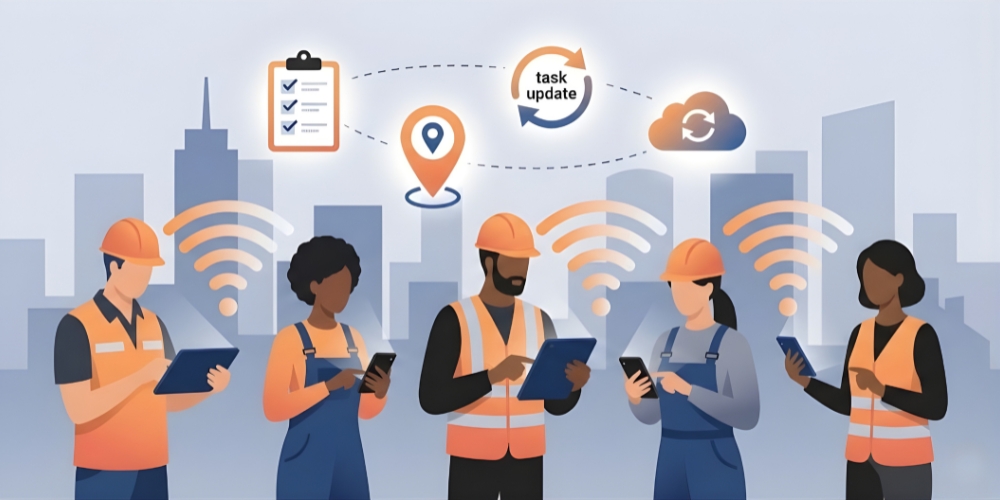
Mobile workforce automation is a simple way for companies to guide, track, and support employees who work outside the office. It uses tools like mobile workforce apps, digital forms, live updates, GPS, and smart alerts to help people finish tasks on time with fewer mistakes. It also supports mobile workforce management, so HR and operations can see where work stands at any time without calling or checking multiple systems.
Most companies use this approach because mobile teams are growing fast. A report projected that the global mobile workforce would reach 1.87 billion by 2022, accounting for about 42.5 percent of the total global workforce.
This rise explains why many companies are moving from spreadsheets to mobile work management. They want cleaner reports, faster task updates, and safer ways to store information.
Real world mobile workforce scenarios
Tap or click a card to flip and read the full scenario
Why Mobile Workforce Automation Matters
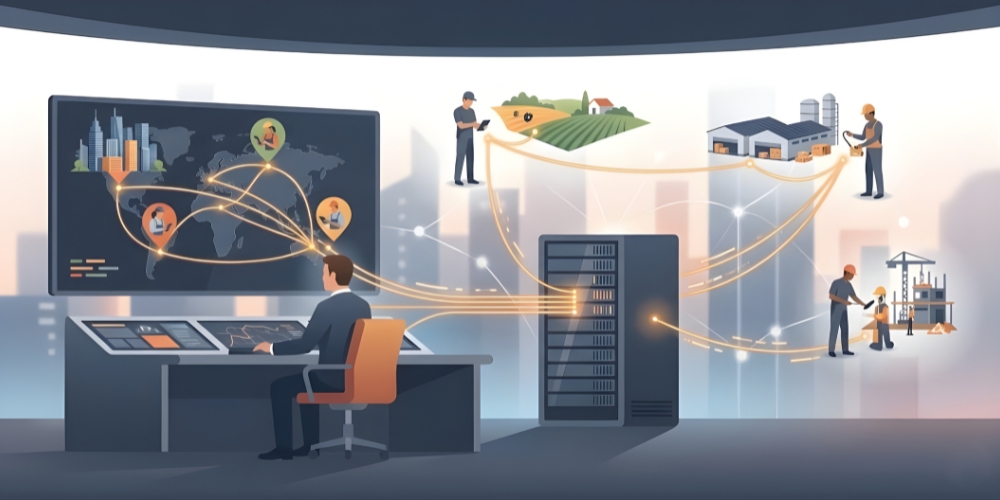
Companies depend on speed. When teams in the field slow down, the rest of the work slows with them. Managing a mobile workforce becomes much simpler when everyone uses the same tools on their phones. HR sends out tasks quickly, operations can follow the progress as it happens, and managers spot what needs help without waiting for updates.
Recent research shows that a hospital in South Korea cut appointment delays by 23 percent after it integrated mobile workforce management tools with its patient management system and used real time dynamic scheduling to coordinate mobile staff.
Automation also supports mobile workforce management system features like incident logs, attendance capture, and route tracking. These tools guide teams even when network access is limited.
This is where workforce planning tools also fit in. Companies can better plan staffing needs by seeing when people are active, busy, or stuck.
You can also link this to culture. Strong teamwork ethics in remote work help people trust each other when they are in different locations. Automation reduces confusion and keeps teams informed, which naturally supports better habits.
Why Mobile Workforce Automation Matters
1. Delayed updates
2. Tasks build up
3. Missed deadlines
1. Instant updates
2. Balanced workload
3. Faster resolutions
Key Features of Mobile Workforce Automation Systems
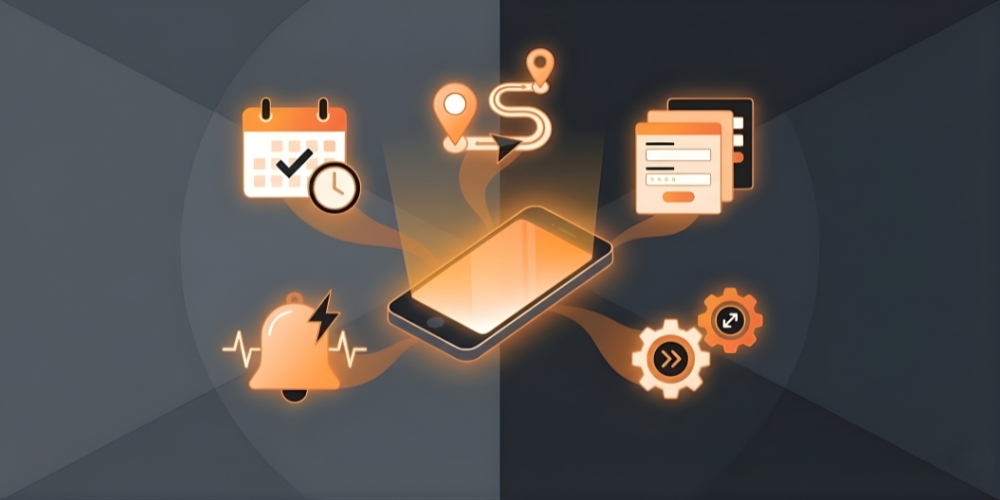
A good system does not overwhelm teams. It gives them what they need, when they need it. Below are the core features that make mobile workforce automation work for HR and operations.
Mobile-first dashboards
Teams can complete tasks, upload photos, close tickets, send reports, and access checklists through mobile workforce applications. Everything stays in one app, so people do not move between tools.
Smart scheduling
Field tasks change often. With mobile workforce scheduling, HR and operations can update shifts or reassign jobs on the spot. Workers get alerts right away, cutting back and forth.
Real-time location and task tracking
Tools such as workforce tracking mobile make it easy to see where teams are during their shift. This supports safety, keeps the workload balanced, and helps managers respond quickly when something urgent comes up.
Built-in reporting and digital forms
Teams can complete digital checklists, attach photos, and submit reports without visiting the office. This reduces manual paperwork and supports clean records.
Integrations with AI and HR tools
Many companies now use HR automation software and AI to connect workforce data with attendance, payroll, and task systems. It saves hours of manual admin work and lowers error rates.
Support for growing teams
As more companies adopt mobile systems, mobile workforce management solutions help scale operations. They support larger teams, more job sites, and more detailed reporting without slowing down.
Industry-specific tools
Some sectors use tools built for them, such as inspection checklists, delivery tracking, or maintenance logs. This keeps mobile workforce automation trends relevant to real work needs.
Benefits for HR and Operations Teams
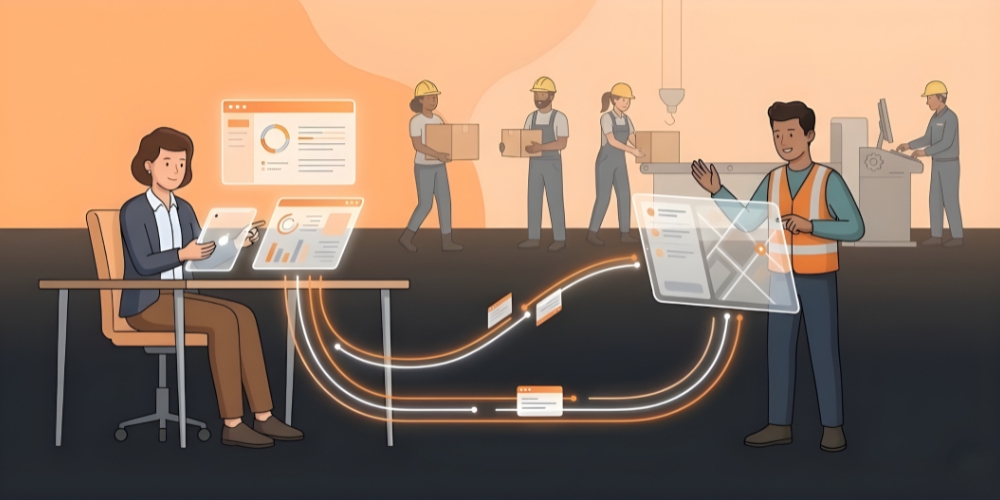
When teams move across different locations, HR and operations often struggle to keep track of progress, attendance, and work quality. Mobile workforce automation changes that by giving both sides a live picture of what is happening.
Better visibility for HR
HR teams can see attendance, shift completion, route updates, and workload in one place. They no longer need manual logs or long phone calls to verify facts. This makes it easier to support mobile workforce management and improve daily operations.
More control for operations
Operations teams gain instant updates from the field. They can assign jobs in seconds, see which tasks are finished, and catch delays early. This also strengthens mobile workforce management solutions, since people know precisely what to do next.
Reduced admin work
Digital forms and mobile updates cut paperwork and reduce repetitive tasks. This saves hours every week and keeps records clean and easy to review. HR teams can focus more on performance, training, and people’s needs instead of chasing reports.
Faster response to issues
When something goes wrong in the field, teams can send photos, notes or voice messages directly through the mobile system. Managers act faster because they see the problem immediately.
Stronger employee support
When workers get clear instructions, fair schedules, and real-time help, morale naturally improves. And with mobile work management, teams feel supported instead of disconnected.
How AI Enhances Mobile Workforce Automation
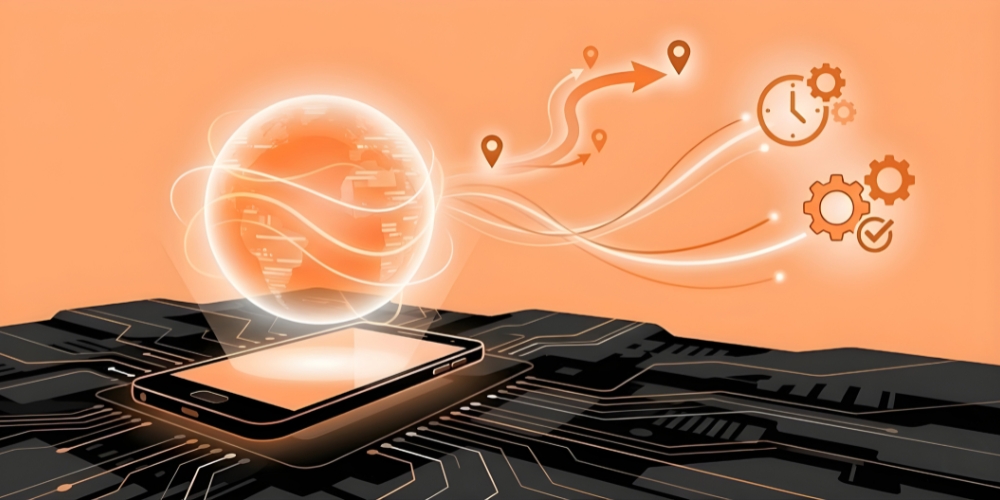
AI adds a smarter layer to mobile workforce automation by helping companies predict needs, reduce errors, and better support field teams with more accurate information.
Smarter scheduling and forecasting
AI can study past work patterns, standard peak hours, weather changes, and team availability. It then suggests ideal schedules that balance workload and reduce overtime. This kind of prediction improves the entire mobile workforce management system.
Automatic task routing
AI tools can check real-time traffic, job priority, worker skills, and location to recommend the best route or the best person for a task. It lowers travel time and supports better management of a mobile workforce.
Cleaner data with fewer mistakes
AI reads entries, checks for errors, and flags missing information. This helps HR maintain accurate records without spending hours reviewing reports.
Safer field operations
Some companies use AI tools to detect unsafe patterns, track risky areas, or send alerts when something needs attention. This adds new value to mobile workforce applications, helping workers stay safer in the field.
Long-term planning
AI gives companies better insights for hiring, training, and equipment investments. This supports stronger business decisions and better alignment with future demand. This is also where mobile workforce trends connect with long-term strategy.
How AI Enhances Mobile Workforce Automation
Choose Yes or No to see what AI can and cannot do.
Can AI predict job delays?
Yes. AI studies past work patterns and traffic data to predict delays.
No, this one is actually possible for AI to do.
Can AI fix network issues in the field?
No. AI cannot repair physical network problems.
Correct. AI can report the issue but cannot fix hardware problems.
Can AI suggest the best worker for a task?
Yes. AI checks skills, location and workload to recommend the right person.
This is something AI can actually do very well.
Can AI make final hiring decisions?
No. Final hiring decisions should stay with humans.
Correct. AI supports early sorting but does not make final decisions.
Common Challenges (and How to Solve Them)
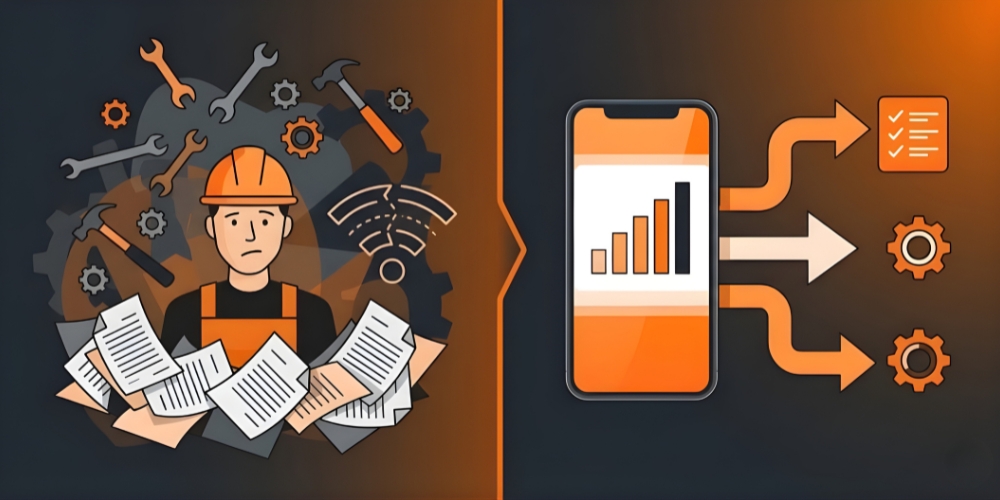
Even the best systems require the proper setup. Here are the challenges most teams face and how to fix them.
Low adoption from field teams
Some workers hesitate to switch to digital tools. They may feel the system is complex or unnecessary.
Solution
Start with simple training sessions and show how the tool makes daily tasks easier. Give teams time to adjust.
Poor network coverage
Mobile teams sometimes work in areas with weak signals, which affects updates.
Solution
Choose mobile workforce management solutions that offer offline support. Data can sync automatically once the connection returns.
Hard-to-use tools
Complicated apps delay work and frustrate teams.
Solution
Pick user-friendly mobile workforce apps with clean layouts. Test the platform with field workers before rolling it out.
Scattered tools and systems
Many companies use separate apps for time tracking, routing, messaging, and reports. This creates chaos.
Solution
Look for tools that integrate well with HR systems, and what are workforce management tools you already use.
Lack of clear workflows
If workers do not know which step comes next, mistakes happen.
Solution
Set up simple job flows inside the system. Clear checklists and automatic reminders keep work organized.
Common Challenges and How to Solve Them
Drag each solution on the right to the matching challenge on the left.
Conclusion
Mobile workforce automation helps companies stay organized, move faster and support teams working across different locations. With a single system for schedules, updates, tracking and communication, both HR and operations gain clarity and control. As mobile work keeps growing worldwide, businesses that adopt smart tools now will be stronger, more flexible and better prepared for future changes.
FAQs
It reduces manual paperwork, improves visibility into attendance and daily tasks, and helps HR support field teams more effectively. It also connects easily with mobile workforce scheduling tools to simplify day-to-day work.
Field service, logistics, construction, healthcare, energy, telecom, and retail all rely on mobile workforce management solutions because they involve teams working in multiple locations.
AI supports better forecasting, task assignment, route planning, and data accuracy. It also works alongside mobile workforce management to offer faster decision-making and more reliable information.